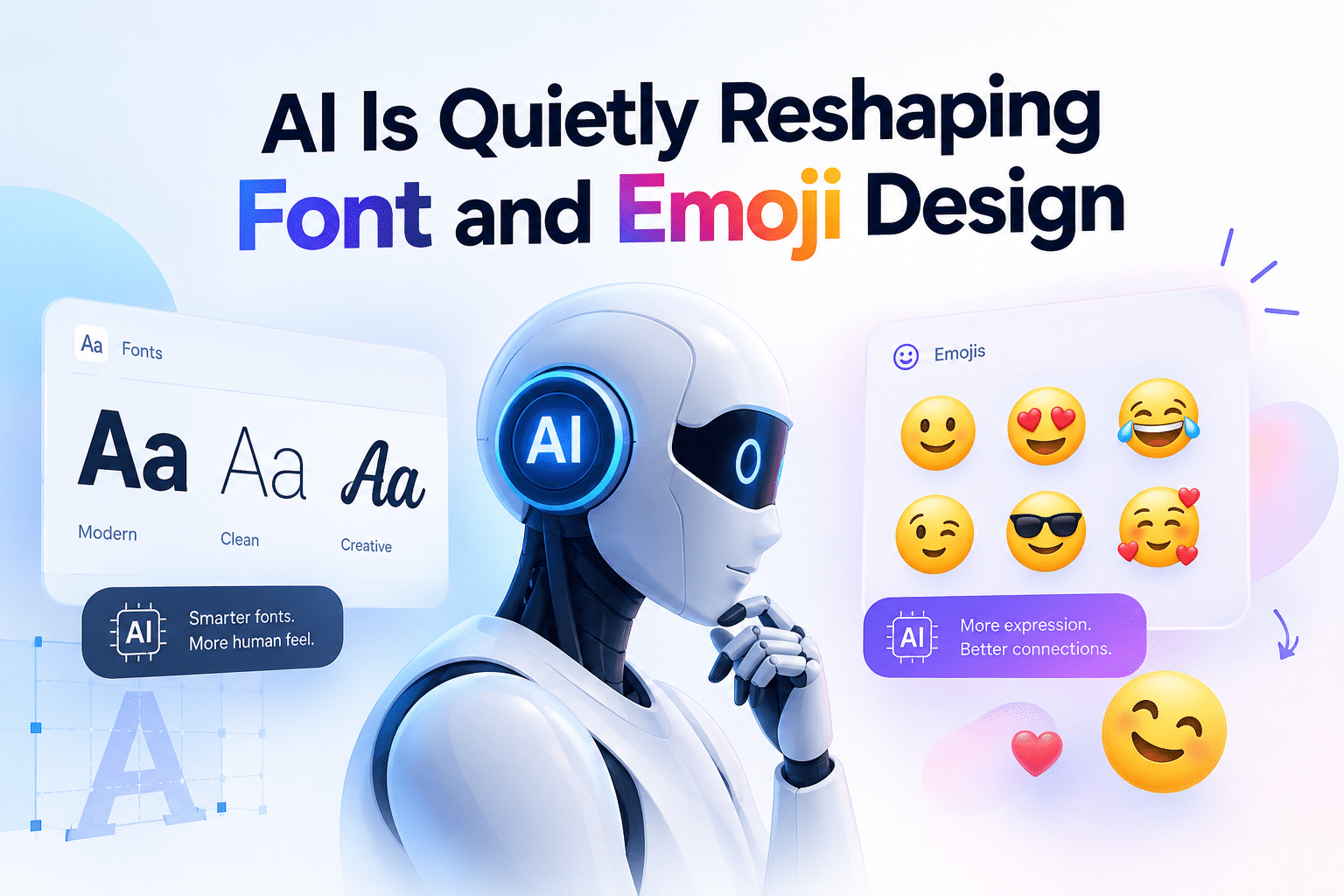
AI Is Quietly Reshaping Font and Emoji Design
Every font on your screen and every emoji in your last text message had to be drawn by someone, letter by letter, pixel by pixel. For decades, that “someone” was always a human typographer with a lot of patience and an even bigger appetite for coffee. That’s changing. Machine learning is now doing a meaningful chunk of this work, and the way it does it is genuinely interesting not just for designers, but for anyone who writes code that renders text on a screen.
This isn’t a hype piece about AI “revolutionizing” design. It’s a practical walkthrough of what’s actually happening under the hood, why it matters if you’re a developer, and why it’s worth understanding if you’re a student trying to figure out where design and code overlap.
The Actual Problem: Fonts Are Harder to Make Than They Look
A typeface isn’t just 26 letters. It’s uppercase, lowercase, numerals, punctuation, and often multiple weights (light, regular, bold), all of which need to stay visually consistent at 10px and at 200px. Multiply that by the number of languages a product supports, and you’re looking at thousands of individual glyphs that all need to feel like they belong to the same family.
That’s traditionally been slow, manual work. A full typeface could take a solo designer the better part of a year. This is the exact kind of repetitive-but-precise problem that machine learning is good at chewing through.
How a Model Actually Learns to Draw a Letter
Here’s the part that’s easy to gloss over: the model isn’t “copying” existing fonts. It’s trained on thousands of them and learns the underlying structure, stroke width, curvature, spacing rules, the geometry that makes an “A” read as an “A” whether it’s condensed, extended, serif, or sans.
Under the hood, this typically runs on a neural network, and specifically for generative design tasks, a GAN (Generative Adversarial Network) shows up a lot. The setup is almost comically simple: one network (the generator) tries to produce a convincing glyph, and a second network (the discriminator) tries to tell if it’s real or generated. They’re trained against each other, and that competition is what pushes the output from “recognizable scribble” to “usable typeface” over thousands of iterations.
The practical result: once a model has learned enough of these patterns, it can generate entirely new letterforms styles nobody explicitly designed by interpolating between what it’s already seen. It’s less “AI drawing from scratch” and more “AI finding new points in a design space it already understands.”
Emojis Have a Different (and Weirder) Pipeline
Emoji design has an extra wrinkle: standardization. The Unicode Consortium approves what an emoji means and assigns it a code point, but Apple, Google, Samsung, and everyone else still have to draw their own visual interpretation of it. That’s why it looks slightly different depending on whose keyboard you’re using.
AI shows up in two distinct places here:
- Draft generation: producing quick visual variations of an approved emoji concept that a human illustrator then refines, rather than starting from a blank canvas.
- Predictive suggestion: the emoji that pops up while you’re typing isn’t random; it’s a small NLP model reading context and ranking likely matches. That’s the same category of tech behind autocomplete, just applied to pictographs instead of words.
Why This Is Worth Understanding as a Developer
If you’re shipping a product with any kind of text rendering which is basically every product a few things here are directly useful:
- Font libraries increasingly ship AI-assisted variable fonts, single font files that can smoothly adjust weight, width, and slant on the fly instead of loading ten separate font files. That’s a real performance win, and it’s a direct product of the same pattern-learning approach.
- Emoji rendering consistency across platforms is a solved-but-fragile problem, and knowing why Android and iOS render the same emoji differently will save you a support ticket at some point.
- Text-styling APIs exist now where you send a string and get back multiple generated visual treatments programmatically, instead of hardcoding font-family swaps. Worth knowing this category of tool exists before you build your own from scratch.
Why This Is Worth Understanding as a Student
If you’re early in your CS or design track, this is a genuinely good entry point into machine learning that isn’t self-driving cars or chatbots. It’s visual, the feedback loop is intuitive (does the letter look right or not?), and it touches math you’ve probably already covered pattern recognition, basic geometry, iterative optimization. It’s also a rare case where “the person who can code” and “the person who can draw” are increasingly the same job description, which is worth internalizing early if you’re choosing what to specialize in.
A Small Example That Makes This Concrete
You don’t need to look at a research paper to see this idea working. A tool like Letras Bonitas En Línea takes a single word you type and generates dozens of stylistic variations from it bold, cursive, glitch, bubble almost instantly. It’s a small-scale, easy-to-poke-at illustration of the exact same principle described above: a system that has internalized enough letterform patterns to generate new combinations on demand, instead of a human designing each variant by hand. For a student, it’s a low-stakes way to see pattern-based generation happening live. For a developer, it’s a decent mental model for how a text-styling feature can be built without hardcoding every variation yourself.
The Takeaway
None of this replaces type designers or illustrators. It just gives them (and the developers shipping their work) a much faster first draft. The interesting part isn’t that AI can draw a letter. It’s that it learned what a letter is from examples, the same messy, iterative way most of us learn anything. Next time an emoji suggestion nails exactly what you meant to say, that’s the payoff of a lot of unglamorous pattern-matching happening a few layers below the keyboard.