AVIF to JPG and Beyond: A Simple Pipeline for Sharing Images Everywhere
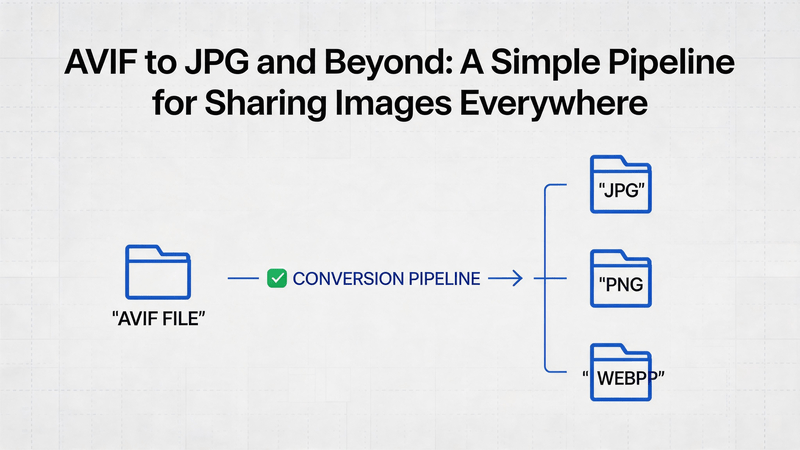
You exported photos from a modern phone or design tool and ended up with `.avif` files that will not attach to a client email, slide deck, or older CMS. The fix is not “hope they upgrade their laptop.” You need a convert AVIF to JPG step that everyone can open, then—when the destination is the web—a second pass that keeps bytes under control. This guide walks through a two-tool pipeline: AVIF2JPG for compatibility, then AnyWebP when your final home is a site or app that likes modern formats.
Why AVIF Shows Up—and Why It Stalls Your Workflow
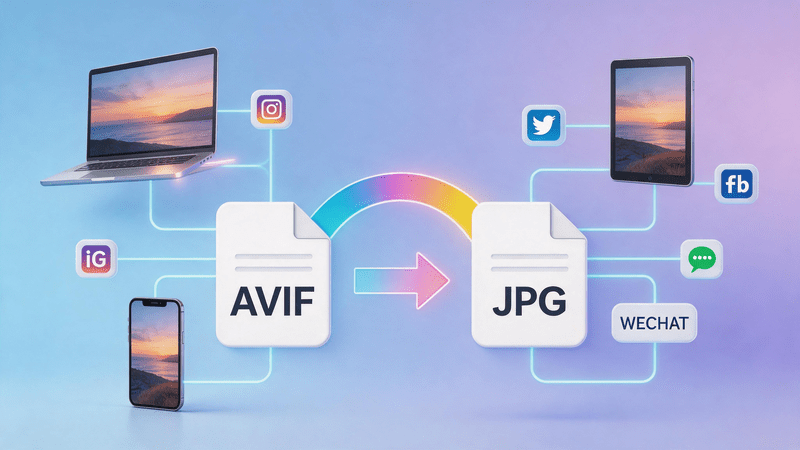
AVIF often delivers excellent compression, which is why cameras, export presets, and some CDNs lean on it. The tradeoff is ecosystem lag: not every desktop viewer, slide template, or upload form accepts AVIF yet. Teams discover the problem at the worst moment—minutes before a send or publish—when a stakeholder says “I cannot open this.”
Converting Avif to JPG solves compatibility. Converting onward to WebP solves delivery when you control the browser experience. Treat them as related but separate goals. Neither step requires desktop software installs if you prefer browser tools—handy when IT locks down new applications but allows standard web access.
When to Stop at JPG vs Continue to WebP
Choosing whether to stop at JPG or continue optimizing to WebP depends on your final use case. The key decision is whether you prioritize simple compatibility or web performance.
1. Quick Compatibility Use Cases (Stop at JPG)
In the following scenarios, converting from AVIF to JPG is usually the final step you need:
- Email attachments where universal compatibility is required
- PowerPoint or Keynote presentations used across mixed operating systems
- Internal communication tools such as Slack or Notion where file size is not critical
- General sharing where the only requirement is “everyone can open the file”
In these cases, JPG acts as the final, reliable output format.

2. Web Performance Use Cases (Continue to WebP)
You should continue the workflow and convert image to WebP when performance and file size matter:
- WordPress or Shopify public-facing pages
- SEO-focused landing pages where PageSpeed matters
- Mobile-first experiences where bandwidth usage is important
- Newsletter systems with strict image size limits
- Any situation where multiple image variants are being tested for performance optimization
In these cases, WebP is preferred because it significantly reduces file size without noticeable quality loss.
3. Practical Rule of Thumb
A simple way to decide is:
- If the requirement is only “the image must open anywhere”, then JPG is your final format.
- If the requirement includes speed, SEO, or mobile optimization, then continue to WebP conversion.
Spending a few extra minutes converting to WebP is usually worth it when the image is part of a public or performance-sensitive environment.
Convert AVIF to JPG (Universal Handoff)
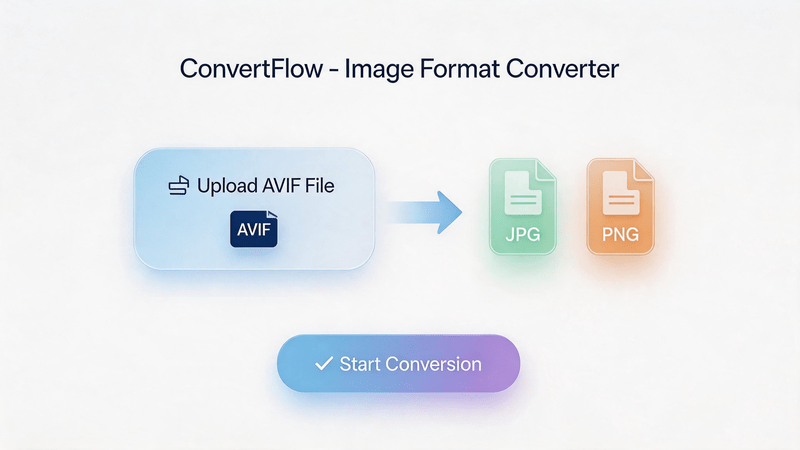
On AVIF2JPG, upload your AVIF (single file or batch if the UI allows). Choose JPG quality with your destination in mind: client PDFs and print collateral often want higher quality; quick social previews can tolerate moderate compression.
Download the JPG and spot-check on the weakest device in your chain—an older Windows laptop, not just your phone. Confirm colors and edges look acceptable; AVIF-to-JPG is usually faithful, but aggressive quality settings can band skies or skin tones.
Rename with purpose (`launch-hero-v2.jpg`) so you do not confuse pre- and post-conversion assets in shared drives.
Optimize for the Web (Optional Second Pass)
Open AnyWebP with the JPG you just created when the file will live on a website, landing page, or blog—not when it only travels inside email. Resize to the slot width your theme documents (hero, card, thumbnail) before you obsess over compression sliders; dimensions dominate weight more than format alone.
Export WebP and note the byte difference against the JPG. Keep the JPG archived if your workflow still needs a fallback asset for editors who re-upload manually.
Three Sharing Scenarios
Client review packet
Convert AVIF exports to JPG on AVIF2JPG, bundle in a zip, send. Skip WebP—reviewers use mixed viewers and want zero friction.
Company blog relaunch
AVIF2JPG for a master JPG, then AnyWebP for the published hero and inline images. Document both filenames in your CMS checklist. Note which posts still need JPG fallbacks in the theme so developers are not surprised at launch.
Mixed team Notion wiki
JPG usually suffices; run AnyWebP only on pages that embed large banners above the fold.
Quick Answers
Will JPG look worse than AVIF?
Sometimes slightly larger at similar visual quality, but compatibility wins for sharing. Tune quality instead of assuming one preset fits all.
Can I skip JPG and upload AVIF straight to WebP tools?
Many WebP converters expect common inputs; AVIF2JPG keeps the first step predictable when sources are AVIF-heavy.
Is WebP always better than JPG online?
Often smaller; not universal. Test one page and read your analytics before bulk migration.
What about transparency?
AVIF can carry alpha; JPG cannot. If you need transparency after conversion, plan PNG or WebP with alpha support in the downstream tool and adjust your pipeline accordingly.
Before You Batch-Convert a Folder
Match settings across the batch: same JPG quality, same resize rules on AnyWebP, same naming pattern (`project-001.jpg` → `project-001.webp`). Mixed presets make debugging impossible when one thumbnail looks soft and the rest look crisp. If collaborators upload AVIFs into a shared drive, add a one-line README in the folder describing this two-step pipeline so contractors do not email AVIF originals to clients by habit.
Summary
Sharing images everywhere still means meeting the lowest common denominator opener—and for many teams today, that means you convert AVIF to JPG before anything else leaves the building. AVIF2JPG handles that handoff; AnyWebP sharpens delivery when the public web is the audience. Pick the second step deliberately, measure file sizes once, and you will stop re-explaining “why this attachment will not open” in every project channel.