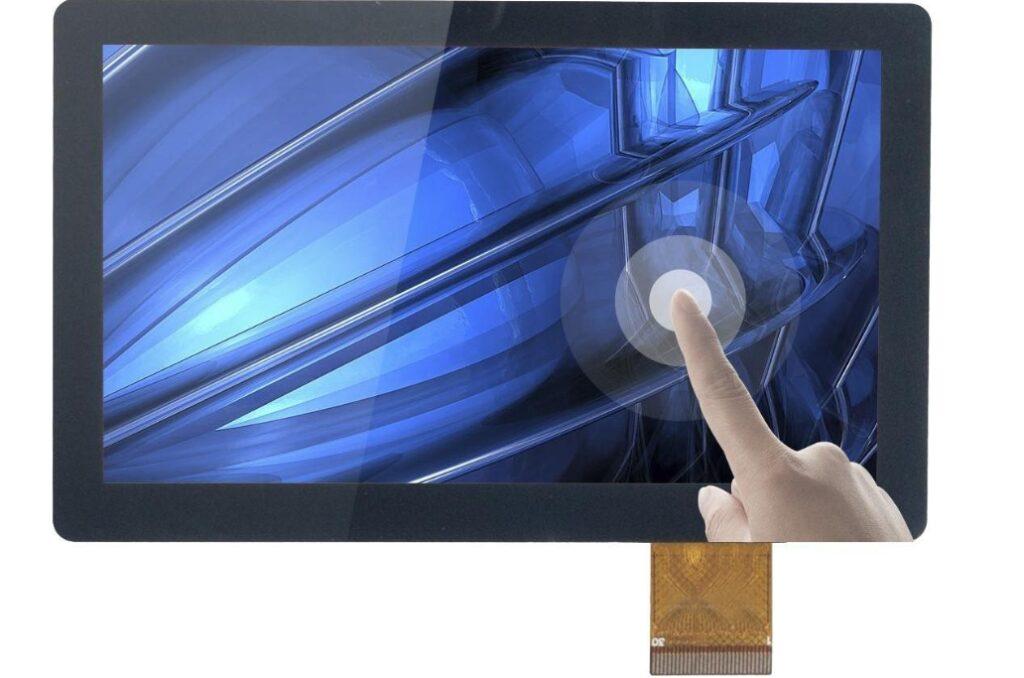
How to Choose the Best Industrial Touchscreen Monitor: A Complete Buying Guide
Selecting the right industrial touchscreen monitor requires careful evaluation of durability, touch performance, environmental compatibility, and total cost of ownership. The ideal monitor must withstand harsh working conditions, deliver clear visuals, support reliable operation, and match your industry’s unique demands. This guide walks you through every key factor to help you make a confident, practical choice.
Core Preliminaries: Start With Your Exact Needs
Before comparing specifications, clearly define your application and environment—these two factors will drive every other decision.
Application Requirements by Industry
Different use cases demand distinct feature sets. Align the monitor’s design with your industry’s priorities:
- Manufacturing & Automation: Prioritize ruggedness, dust/water resistance, high IP ratings, and compatibility with machine vision or process control systems.
- Healthcare & Clean Rooms: Require smooth, easy-to-clean surfaces, precise touch response, and hygienic design for medical imaging and patient monitoring.
- Retail, Kiosks & Entertainment: Need fast, accurate touch interaction and often sunlight-readable displays for semi-outdoor or high-light areas.
- Transportation & Marine: Demand vibration resistance, wide temperature tolerance, and stable connectivity for mobile and marine environments.
Environmental Operating Conditions
Industrial environments are unforgiving—your monitor must be built to endure:
- Factory Floors: Dust, vibration, and temperature swings require IP65/IP66 sealing and rugged construction.
- Outdoor & High-Light Areas: Need 500 nits or higher brightness for sunlight readability.
Specialized Settings: Medical labs, food processing, and chemical areas need moisture resistance and easy sanitization.
Key Features to Evaluate
1. Durability & Build Quality
Durability is non-negotiable for industrial deployments. Focus on:
- IP Rating: Aim for IP65 or higher for full dust protection and low-pressure water resistance.
- Materials: Impact-resistant housing, shatterproof glass, and reinforced frames.
- Environmental Rating: Wide operating temperature, vibration, and shock resistance for 24/7 operation.
2. Touchscreen Technology: Capacitive vs. Resistive
Choose touch technology based on how your team will operate the monitor:
- Capacitive Touch: Fast, responsive, supports multi-touch, scratch-resistant; best for clean environments and precise control.
- Resistive Touch: Works with gloves or styluses, cost-effective, highly reliable in dirty or wet conditions.
3. Screen Size, Resolution & Brightness
Usability depends heavily on display quality:
- Size: Select based on mounting space and viewing distance; common sizes range from 7” to 27”+.
- Resolution: Higher resolution (e.g., 1280×800, 1920×1080) improves clarity for data and visual monitoring.
- Brightness: 500 nits or above for indoor high-light areas; 1000+ nits for direct outdoor sunlight.
4. Connectivity & System Compatibility
Ensure seamless integration with your existing equipment:
- Standard ports: USB, HDMI, VGA, DVI, DP
- Industrial connectivity: Ethernet, serial ports, GPIO
- Compatibility with industrial PCs, PLCs, embedded systems, and IoT platforms
Budget Planning: Balance Cost & Long-Term Value
Industrial monitors are long-term investments—focus on total cost of ownership, not just upfront price.
Understand Cost Drivers
Prices vary based on:
- Ruggedness and environmental sealing
- Touch technology and display quality
- Brand reliability and warranty
- Certification and industry compliance
How to Optimize Your Budget
- Prioritize must-have features (e.g., IP rating, brightness) and eliminate unnecessary ones.
- Choose modular, easy-to-upgrade designs to extend service life.
Invest in higher-quality builds to reduce maintenance and replacement costs over time.
Final Buying Checklist
- Confirm application type and industry requirements.
- Verify environmental conditions (dust, water, temperature, vibration).
- Select the right touch technology for your operating style.
- Choose appropriate screen size, resolution, and brightness.
- Ensure full connectivity and system compatibility.
- Balance upfront cost with long-term durability and support.
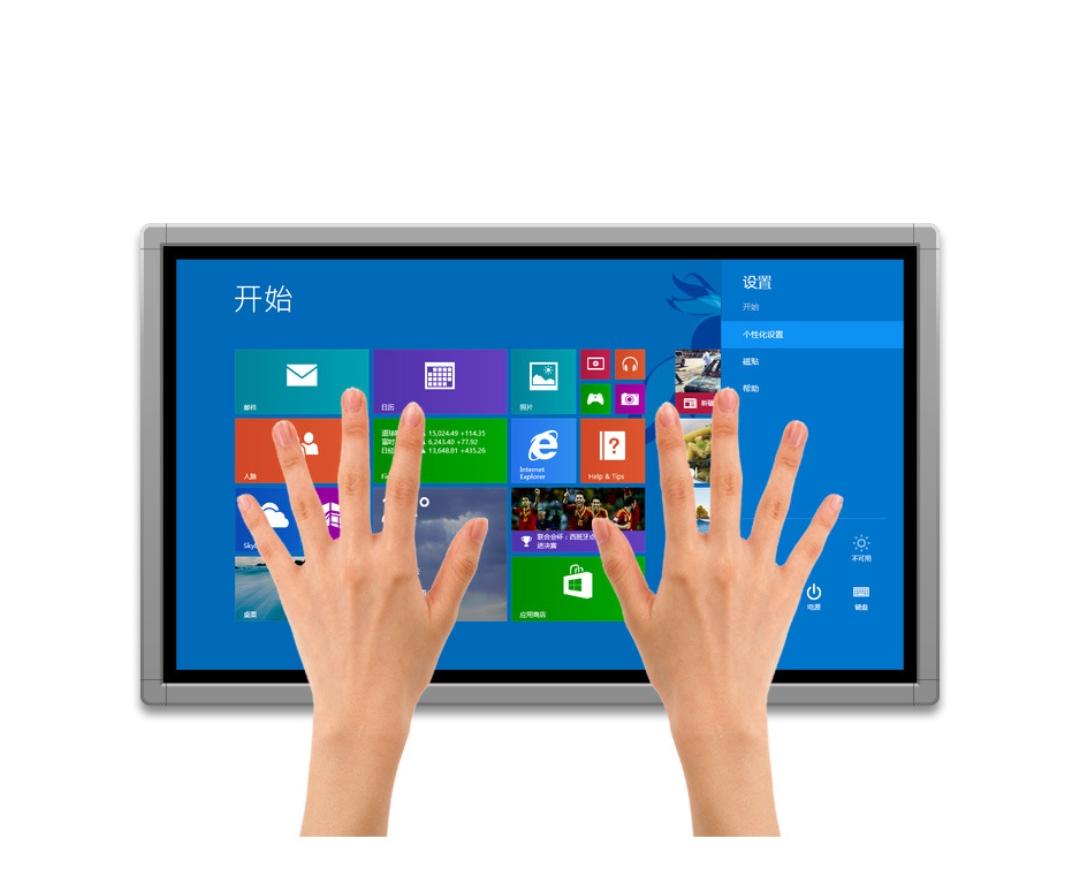
By following this framework, you will select an industrial touchscreen monitor that performs reliably, integrates smoothly, and delivers strong value for years of industrial use.
Why Industrial Displays Must Adopt Full Front-Panel IP65 Design
In all industrial control scenarios, dustproof and waterproof performance is an essential threshold for equipment selection. For industrial panel monitors, the closer they are deployed to the production site, the higher their exposure risk becomes. Whether IP65 is a must-have specification depends entirely on real-world working conditions.

Dust: The Invisible Killer of Displays
Dust does more than settle on the surface. Once it enters the chassis, it impairs heat dissipation, disrupts circuits, and can even cause short circuits in severe cases. Environments such as furniture factories, metalworking workshops, and cement mixing areas have extremely high levels of airborne dust. With large gaps or poor sealing, internal circuits begin to fail within just six months.
Splashing and Moisture Are More Common Than You Think
Cleaning and liquid handling processes on the industrial site frequently cause local splashing. Even in non-submersed environments, high humidity and condensation tend to build up during operation. Without IP65 protection, water intrusion into the front panel easily leads to touch drift, black screens, and false touches. Such failures do not occur immediately; instead, they gradually corrode internal components until the entire display is ruined.
Inadequate Panel Protection Harms Operational Experience
Dripping water swirling around edges and seeping through gaps interferes with touch sensitivity and recognition accuracy. Combined with dust particles, it forms a sticky layer that can even block touch zones in severe cases. The GDCOMPT industrial panel monitor features a fully sealed front panel that resists liquids, dust, and oil, keeping the touch area clean and ensuring smooth and reliable operation.
Unattended Operation Can Be Even Riskier
Many industrial display terminals run without continuous supervision. Extreme weather, equipment misuse, minor leaks, and other accidents can threaten equipment safety. IP65 provides basic isolation and minimizes damage from unexpected situations. Notably, most displays supplied by GDCOMPT Technology for outdoor transportation, food processing, and energy equipment come with IP65 protection as standard—not for meeting arbitrary specifications, but for long-term, maintenance-free operation.
IP65 is more than just a specification; it is the dividing line for durability. Once industrial panel monitors enter service, failure rate, maintenance frequency, and user experience are all closely tied to their protection level. In harsh environments, going without IP65 means inviting trouble. When choosing equipment, you should consider not only functions but also whether it is built for the actual scene. GDCOMPT has always emphasized that configuration is determined by the application scenario—this is the true value of IP65.
Under complex industrial conditions, this industrial display stands out
The industrial field environment is complex, combining dust, oil contamination, moisture, high brightness, and vibration — all of which place stringent demands on touch devices. A truly reliable industrial touchscreen must not only withstand harsh conditions but also deliver smooth operation. Full lamination and pure flat design are the key manufacturing processes that meet these requirements.

Clearer Display Without Fogging
Ordinary screens contain an air gap between layers, causing strong reflections under bright light and creating a foggy appearance. Full lamination eliminates air gaps between the touch glass and LCD panel, reducing light loss, enhancing contrast, and delivering sharper, clearer visuals. This advantage is especially critical for outdoor equipment such as charging piles and traffic terminals — even high brightness cannot compensate without full lamination. The GDCOMPT industrial touchscreen adopts refined full lamination technology for excellent clarity, anti-glare performance, and precise visibility even at wide viewing angles.
Smoother Operation with No Edge Dead Zones
Traditional resistive or recessed screens feature uneven bezels that cause sluggish response and poor corner sensitivity. A pure flat touch design creates a seamless front surface, offering both a sleek look and continuous, responsive interaction. Swiping, tapping, and dragging are accurately recognized without obstruction from raised borders. Notably, the pure flat GDCOMPT industrial touchscreen supports glove touch operation, ensuring stable performance across diverse scenarios.
Easy to Clean, No Dirt Accumulation
Factories, hospitals, and food processing facilities require surfaces resistant to dust and water buildup. Conventional uneven screens have numerous gaps that trap contaminants and complicate cleaning. The seamless combination of full lamination and pure flat structure allows quick wiping with a cloth, leaving no hidden corners. For industries with strict hygiene standards, this is not merely aesthetic — it ensures sanitation and operational safety.
Stronger Protection and Higher Structural Durability
Beyond improving display quality, the laminated layer provides shock absorption. It disperses impact force effectively and reduces the risk of cracking. Paired with industrial-grade cover glass, the pure flat panel delivers superior rigidity against bumps and pressure. GDCOMPT touch devices deployed on construction sites, mines, and heavy-duty workstations maintain stable performance thanks to fully laminated screens. They operate continuously even in environments exposed to strong light, dust, and oil.
About Guangdong Computer Intelligence Display Company
Guangdong Computer Intelligence Display gdcompt.com is an innovative technology enterprise focusing on industrial-grade touch display devices, integrating R&D, manufacturing and sales. Committed to improving the level of industrial automation and intelligence, the company leverages its independent production and processing capabilities to provide customers with embedded product solution design, product development, functional and structural customization services.
Its main product lines include industrial all-in-one panel PCs, industrial monitors, compact industrial hosts, smart digital signage, and industrial tablet computers. These products are widely applied in industrial control, intelligent automation, smart healthcare, rail transit, vehicle and marine systems, covering application scenarios such as smart manufacturing, smart medical treatment, smart government affairs, artificial intelligence, smart commerce, machine vision, and smart transportation.