How AI Photo Repair Helps Preserve Graduation and Family Photos
People usually think about photo repair only after a favorite image has already become blurry, unreadable, or badly damaged. But family pictures and graduation portraits often need help long before they feel truly old. A thoughtful AI photo repair workflow can make the difference between a memory that remains usable and one that keeps degrading across transfers, edits, and years of storage. Repairit Online also supports quick browser-based image enhancement when convenience matters.
Why Important Photos Need Repair Over Time
Photo damage is not limited to physical prints. Digital images lose value too. Compression from repeated sharing, rushed edits for social posting, broken transfers between devices, and long-term storage problems can all leave a once-important image looking tired or unreadable.
Graduation photos are especially exposed to this pattern. They are captured quickly, edited quickly, shared widely, and often backed up later than they should be. By the time a family wants to print one, enlarge it, or add it to an album, the best available copy may no longer be the best-looking one.
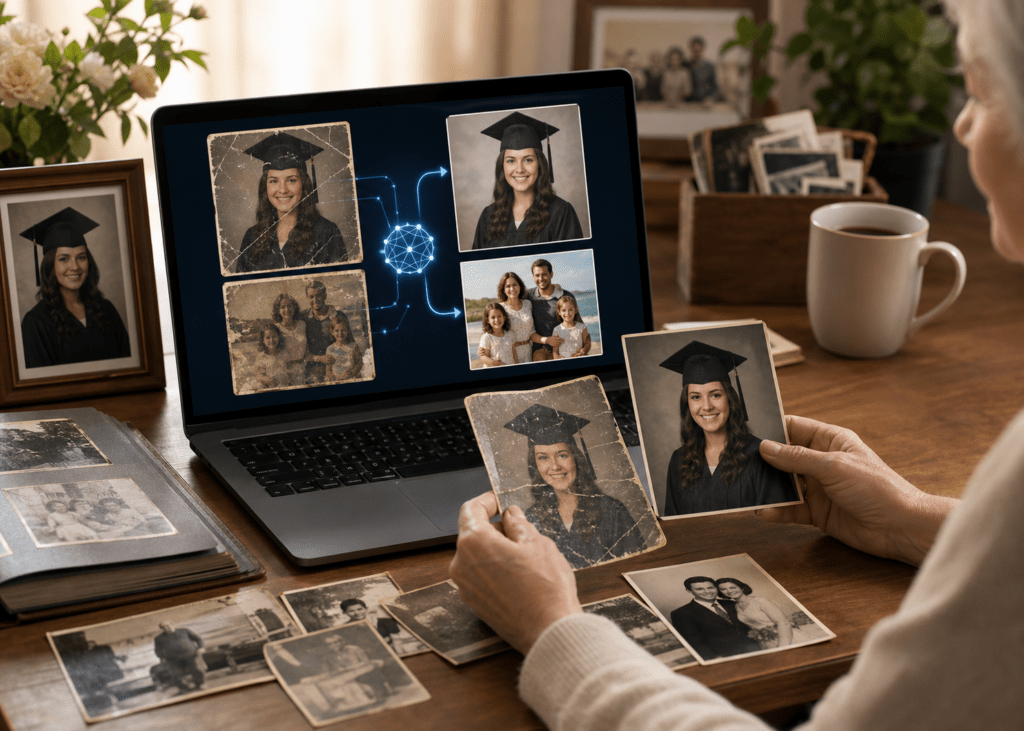
Older family images bring in a different kind of problem. Some were scanned years ago at low quality. Some were transferred across several computers. Some show visible wear, color loss, blur, or structural image issues that make them less suitable for preservation.
What AI Photo Repair Can Improve
AI-assisted repair is useful because it addresses more than one kind of decline. Some images need actual damaged image recovery because the file no longer opens properly or parts of the picture are broken. Others still open but look softer, blurrier, or less detailed than they should. Those images may need enhancement rather than reconstruction alone.
That is why old photo restoration belongs in the same conversation as everyday graduation pictures. The preservation goal is similar even when the age of the image is different: keep important people and moments readable enough to save, print, and revisit.
This also explains why photo preservation is not just a technical hobby. It is a practical family decision. Once the best available image degrades too far, later fixes become more limited. Repair and enhancement work best while the file still contains enough useful visual information.
How Repairit Supports Photo Repair and Enhancement
Repairit is useful here because it supports both recovery and improvement logic. A damaged image may need one workflow. A low-quality but readable image may need another. Treating those as separate but related tasks is more realistic than pretending every bad-looking photo has the same problem.
For images that still open but need cleaner detail, a dedicated photo enhancer workflow can make more sense than forcing everything through a pure repair path.
This matters for family and graduation photos because the standard is not abstract image quality. The standard is whether faces, expressions, clothing, and setting look good enough to keep for the long term. Repair is successful when the image becomes easier to preserve, share, and revisit without feeling fragile.
Step-by-Step: Repair or Enhance a Photo
Step 1: Add the photo
Start by opening the photo repair workflow and adding a copied version of the image. If the picture still opens but lacks quality, use the enhancement route that best fits the problem.
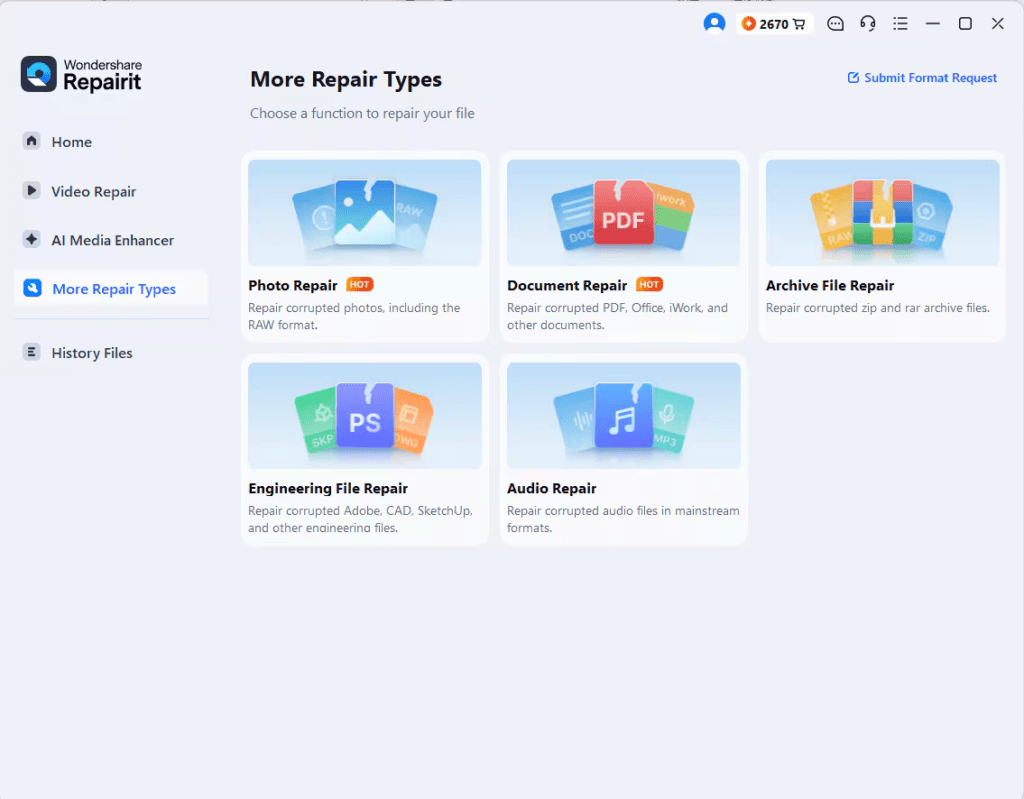
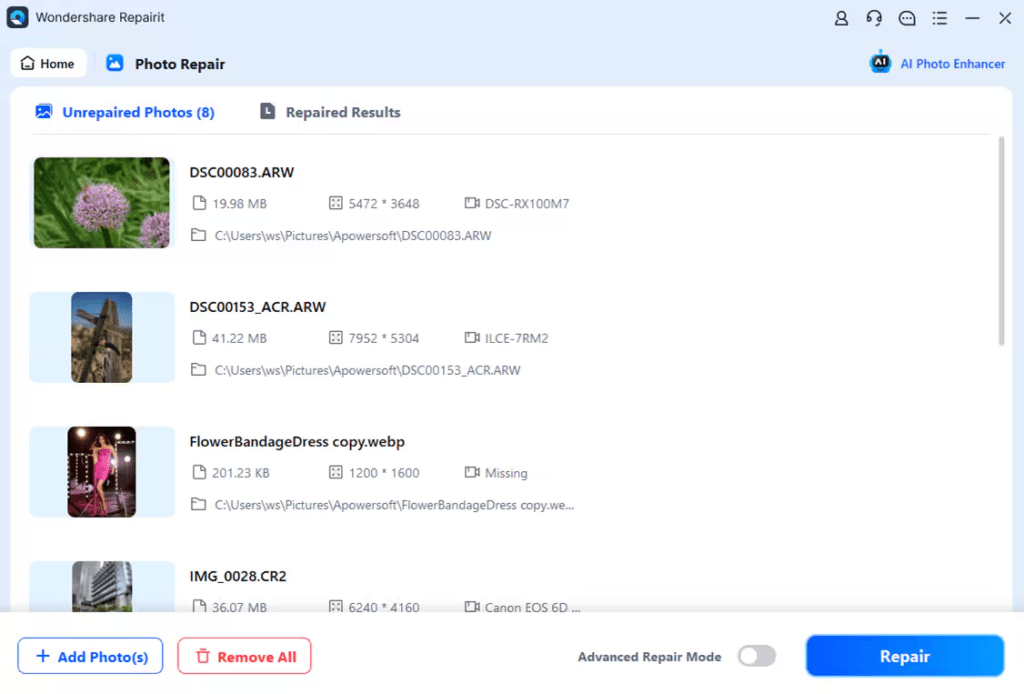
Step 2: Choose repair or enhancement
Use repair when the image has damage or preview issues. Use enhancement when the image is readable but needs better clarity, detail, or visual quality.
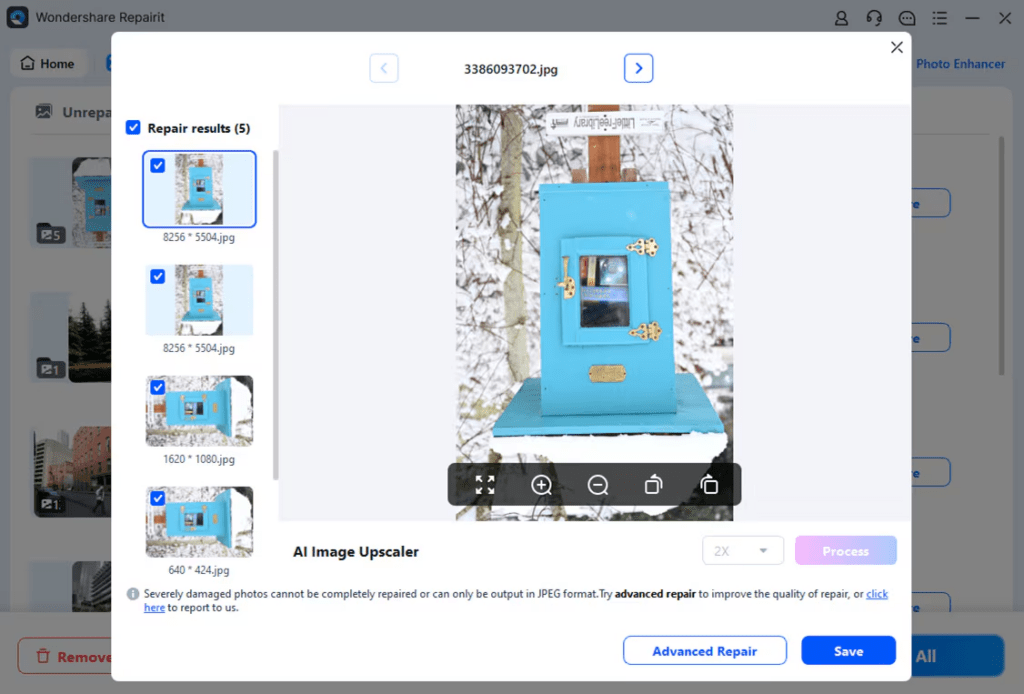
Step 3: Preview and save the improved image
Preview the result carefully, especially around faces, edges, lighting, and important background details. If the image looks stronger and more natural, save it as a new preserved copy.
Online vs Desktop Photo Repair
| Need | Online photo workflow | Desktop photo workflow |
| Quick improvement for one image | Best fit | Useful if more control is needed |
| Larger preservation sessions | Less ideal | Better fit |
| Mixed repair and enhancement work | Good first pass | Better fit for organized recovery |
Final Thoughts
Important photos do not become valuable only when they are old. Graduation portraits, candid family images, and everyday milestones all benefit from earlier preservation. A structured repair and enhancement process gives those files a better chance of surviving repeated sharing and long-term storage with their quality intact.
The practical goal is simple: do not wait for a meaningful image to become unusable before treating it as worth preserving. The earlier a useful repair or enhancement path starts, the better the long-term result tends to be.