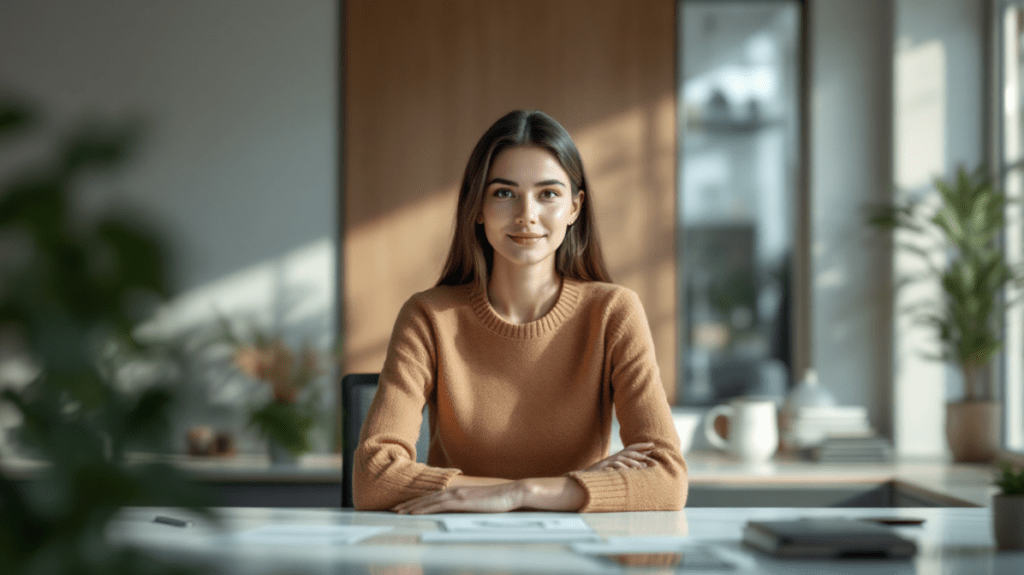
Generate Team Headshots for Your Website in Minutes
Introduction
Getting professional team headshots used to be a big hassle. You needed to schedule photo sessions, rent a studio, manage lighting, and spend hours editing. For small teams, startups, or remote companies, making sure every team member has a consistent, polished look could feel nearly impossible.
Thanks to AI, that’s no longer the case. Tools like Vheer AI let you create realistic, stylish headshots in minutes—just by describing what you want. No cameras, no studios, no Photoshop skills required.
In this article, we’ll show you a simple workflow to generate professional team headshots quickly and easily, entirely for free. Whether it’s for your website, LinkedIn profiles, or internal presentations, you’ll be able to create a complete set of polished portraits in no time.
What Are AI Headshots
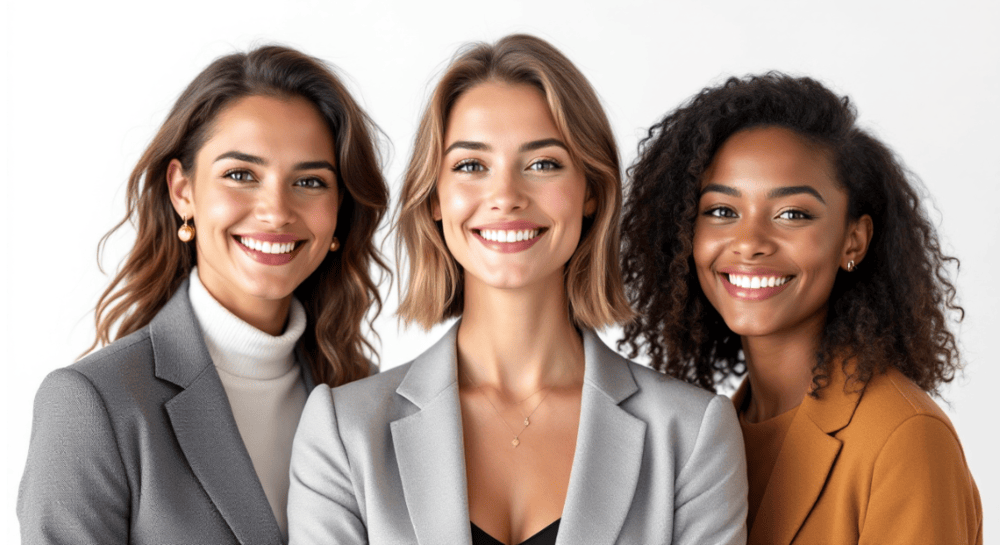
AI headshots are professional-looking portraits generated by artificial intelligence. The magic behind them is simple: you can upload a casual, everyday photo of yourself, and the AI transforms it into a polished, natural, and realistic headshot.
These AI-generated images look like they were taken in a studio with perfect lighting, making them ideal for business profiles, websites, LinkedIn, social media, or any situation where you want to present a professional image. Instead of spending hours on photography or editing, AI does all the work, giving you a consistent, high-quality portrait in minutes.
Simple Way to Generate Realistic AI Headshots for Your Team Member
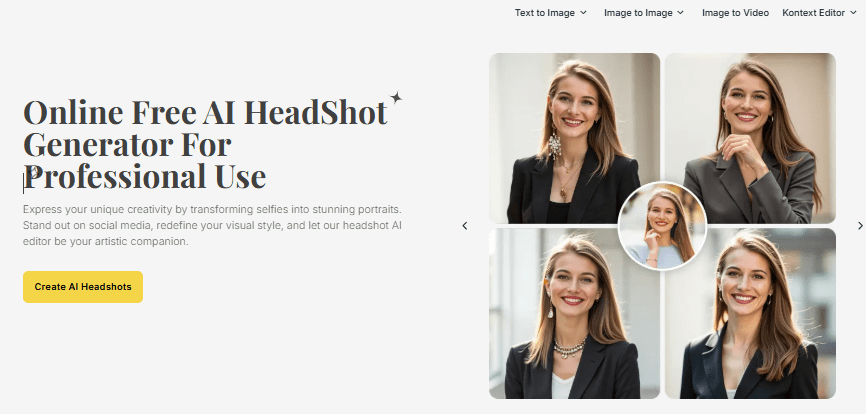
Vheer is a free online platform specializing in AI-powered image and video generation, and its AI Headshot Generator is a standout tool for producing polished, professional headshots. Whether you need team photos for your website, LinkedIn profiles, or business branding, this tool makes it fast and easy to turn casual photos into stunning portraits.
With this realistic portrait generator, you can transform simple selfies or everyday photos into professional-looking headshots. The AI handles everything from clean, distraction-free backgrounds to realistic lighting, professional attire,
and confident facial expressions. You can also choose from a variety of styles—modern fashion, urban trends, minimalist designs, or natural-light photography—so every team member’s portrait suits your brand’s aesthetic.
Unlike traditional avatar or photo-editing tools that rely on rigid templates or limited filters, Vheer gives you complete creative freedom. You can customize almost every aspect of your headshot, including background, clothing, pose, facial expressions, and lighting, simply by entering detailed prompts. This flexibility allows you to craft consistent, high-quality headshots for your team without hiring a photographer.
Step-by-Step Guide: Generate Team Headshots with Vheer AI
Creating professional team portraits is quick and easy. Just follow these four simple steps:
Step 1: Upload Your Photo
Visit Vheer’s website and open the Headshot Generator. Click “Upload Your Image” to upload a clear, high-resolution photo of your team member. Make sure the face is well-lit and in focus.
Step 2: Choose Your Headshot Style
Once the photo is uploaded, browse the available styles. Vheer offers a range of options, including modern professional, creative, minimalist, or natural-light photography. Pick the style that fits your team’s brand and the impression you want to convey.
Step 3: Customize the Details
Fine-tune the headshot by adjusting background, clothing, facial expression, and lighting. You can also add specific prompts in the More Details box to guide the AI. For LinkedIn or website profile grids, set the aspect ratio to 1:1 for a clean, professional look.
Step 4: Generate & Preview
Click “Generate” to create the headshot. The AI will instantly produce a realistic, high-resolution image. If it’s not exactly what you want, tweak the prompts or settings and regenerate. Repeat until you’re happy with the final result.
Tips to Get the Most Realistic AI Headshots
To make your AI-generated headshots look natural, polished, and consistent, here are a few practical tips you can follow:
1. Start With a Clear, Front-Facing Photo
Even though the final headshot is AI-generated, the source photo still matters. Use a picture where the face is visible, well-lit, and not blocked by hair or accessories. This helps the AI capture accurate facial features.
2. Keep Your Prompts Simple and Direct
Short prompts usually work better than long, complicated ones. For example:“professional studio lighting, white background, modern business attire, natural smile”
This gives the AI enough guidance without overwhelming it.
3. Use the Same Format for Every Team Member
If you’re creating headshots for multiple people, use the same:
- Style selection
- background environment
- lighting
- clothing description
- aspect ratio
This ensures a clean, cohesive look across your website or team page
4. Choose a Neutral Background for Business Use
Simple backgrounds—like white, gray, beige, or soft gradient—look the most professional and work well in resumes, company bios, or LinkedIn.
5. Don’t Over-Edit the Results
It’s tempting to keep tweaking. But if the headshot already looks natural and professional, keep it as it is. Over-editing often makes it look fake.
FAQ: AI Headshots
1. Are AI headshots really realistic?
Yes. With a clear uploaded photo, AI can generate a headshot that looks naturally lit, professionally edited, and close to a real studio portrait.
2. Do I need a high-quality photo to start?
A clear, well-lit photo works best. Even if the background or outfit is casual, the AI will transform it into a polished, professional headshot.
3. Can I use AI headshots for business or LinkedIn?
Absolutely. AI headshots are ideal for LinkedIn, resumes, corporate websites, team pages, and personal branding.
4. Can I generate headshots for my whole team?
Yes. Each team member can upload a photo and choose styles that match your brand, allowing you to maintain a clean and consistent visual identity.
7. Will the AI change my face too much?
No. Vheer’s AI Headshot Generator is designed to keep your identity fully consistent. Your facial features, expressions, and overall pose remain exactly the same as your original photo. The AI only enhances the presentation—improving the background, lighting, outfit, and overall style—while ensuring the person in the final image still looks 100% like you.