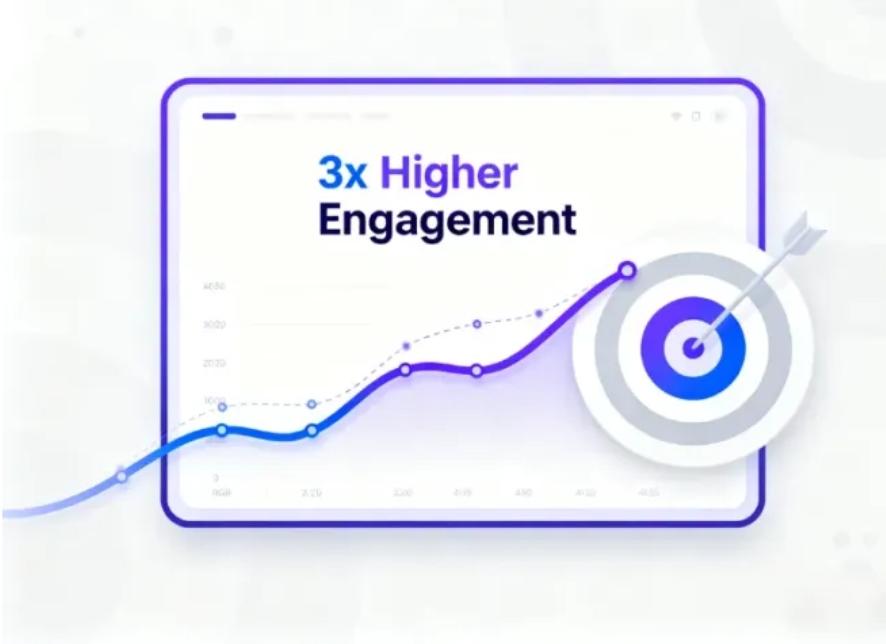
How to Build a Website Without Hiring a Developer
In the past, building a website required hiring a professional developer, learning to code, or spending weeks figuring out complex website builders. Today, everything has changed. With modern tools — especially an AI landing page generator or AI website creator — anyone can build a beautiful, professional, high-converting website without writing a single line of code.
Whether you’re a small business owner, freelancer, creator, coach, or entrepreneur, AI tools now give you the ability to launch online in minutes instead of months. If you’ve ever felt stuck because of technical barriers, budget limitations, or lack of design skills, this guide will show you exactly how to create a website on your own — quickly, affordably, and stress-free.
Why You No Longer Need a Developer
Hiring a developer can cost anywhere from a few hundred to several thousand dollars, depending on your needs. And that’s just for the initial build. Any updates, edits, or design changes often require more money and more waiting.
But today’s AI technology eliminates those barriers by offering:
- Automatic design generation
- Professionally written copy
- SEO-optimized website structure
- Mobile-friendly layouts
- Instant content updates
- Drag-and-drop customization
Tools like an AI landing page generator or a full AI website creator can now build your entire site from a simple description. It’s faster, easier, and far more cost-effective than hiring a traditional developer.
Step 1: Define the Purpose of Your Website
Before generating your website with AI, clarify the goal. This helps the AI produce content, layouts, and sections that make sense for your needs.
Ask yourself:
✔ What is the primary purpose of my website?
✔ Who is my audience?
✔ What action do I want visitors to take?
Typical purposes include:
- Selling a product
- Promoting services
- Building a personal brand
- Showcasing a portfolio
- Collecting leads
- Sharing content or blogs
- Launching an online course
- Offering consultations
Once your goal is clear, the AI can generate a tailored layout that supports conversions.
Step 2: Choose the Right AI Website Creator
Not all AI tools are the same. Some focus on speed, while others specialize in design or copywriting. The best tools combine all three.
A strong AI website creator should offer:
- Automated layout creation
- AI-written headlines and copy
- Image and color suggestions
- Branding and design customization
- The ability to generate full websites or single landing pages
- Responsive design for mobile and tablets
Many modern platforms even provide one-click publishing and hosting, removing the need for separate services.
Step 3: Generate Your Website With a Simple Prompt
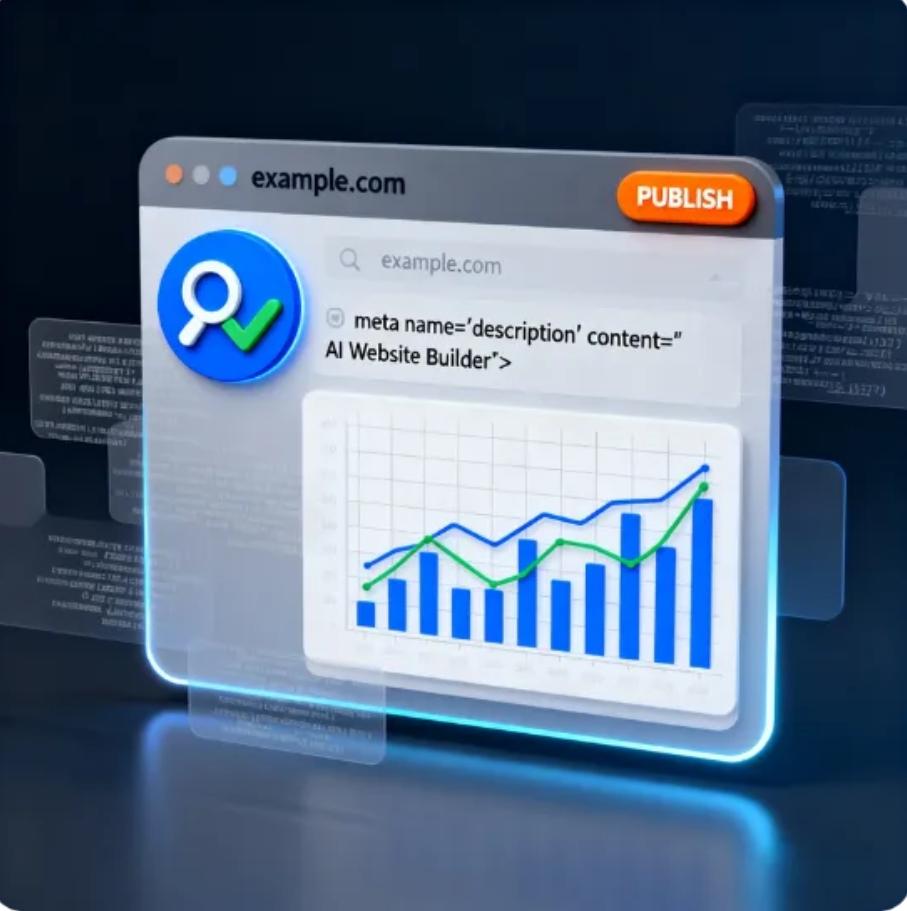
This is where AI transforms the process.
Instead of building a website from scratch, you simply type a description like:
“Create a landing page for a fitness coach offering 1-on-1 online training programs, including testimonials, pricing, and a booking section.”
Or:
“Build a modern website for a small coffee shop with menu, location map, photo gallery, and contact page.”
Within seconds, the AI landing page generator or AI website creator produces:
- A custom layout
- All text and content
- Calls to action
- Sections tailored to your business
- Professional structure based on best practices
You get a full website draft without doing any design or writing yourself.
Step 4: Customize Your Branding
Even though the AI does most of the heavy lifting, you can still make the website feel uniquely yours.
Customize elements such as:
- Color palette
- Logo
- Typography
- Images
- Section order
- Button styles
- Icons
- Backgrounds
If you already have brand assets, simply upload them. If not, some AI creators can generate logos, icons, and images for you automatically.
The advantage: you get a professional design without needing a designer.
Step 5: Add or Edit Content With AI
One of the biggest time-savers is AI-powered copywriting. You can generate or refine:
- Headlines
- Product descriptions
- Service explanations
- About Me sections
- Testimonials
- Calls to action
- FAQ content
- Blog posts
If you don’t like a piece of text, you can regenerate it or request a different tone such as:
- Professional
- Friendly
- Minimalist
- Bold
- Creative
- Corporate
This makes your site feel polished and personalized without spending hours writing.
Step 6: Make Your Pages Mobile-Friendly
More than 60% of all website visits happen on mobile.
Luckily, AI tools automatically generate responsive designs so your website looks clean on phones, tablets, and desktops.
Still, you’ll want to preview your site on different screen sizes to ensure:
- The menu is easy to tap
- Buttons are large enough
- Images resize correctly
- Text is readable
- No elements overlap
Responsive design used to require coding knowledge — now it’s instant.
Step 7: Add Key Website Features (Optional)
Depending on your goals, you may want to add:
- Booking calendar
- Contact form
- Newsletter signup
- E-commerce shop
- Blog section
- Portfolio gallery
- Social media links
- Payment buttons
- Pop-ups or banners
Most AI website creators allow you to add these features without coding.
Step 8: Optimize for SEO
To help your site appear in search engines, make sure your AI tool supports SEO features like:
- Meta titles
- Meta descriptions
- Heading structure (H1, H2, etc.)
- Keyword suggestions
- Clean URLs
You can even ask the AI:
“Optimize this page for the keyword ‘AI landing page generator.’”
The AI will rewrite sections to improve visibility and ranking.
Step 9: Publish With One Click
When your website is ready, hit publish.
Most AI website creators provide built-in hosting, so you don’t need a separate hosting provider or domain configuration.
You can publish on:
- A custom domain
- A temporary domain
- The platform’s free domain
Within minutes, your website goes live — no developer required.
Step 10: Update Anytime (For Free)
Unlike traditional development — where each update costs money — AI websites allow unlimited updates.
You can:
- Add new sections
- Change text
- Update images
- Launch new products
- Redesign your layout
- Regenerate entire pages
And you can do it instantly, whenever inspiration strikes.
Final Thoughts: AI Makes Website Creation Easier Than Ever
You don’t need a developer to build a beautiful, functional, professional website.
Thanks to tools like an AI landing page generator and AI website creator, the entire process has become:
- Faster
- Cheaper
- Simpler
- More intuitive
- More creative
Whether you’re launching a business, promoting your expertise, or establishing your online presence, AI empowers you to build a website in minutes — even if you’ve never created one before.